
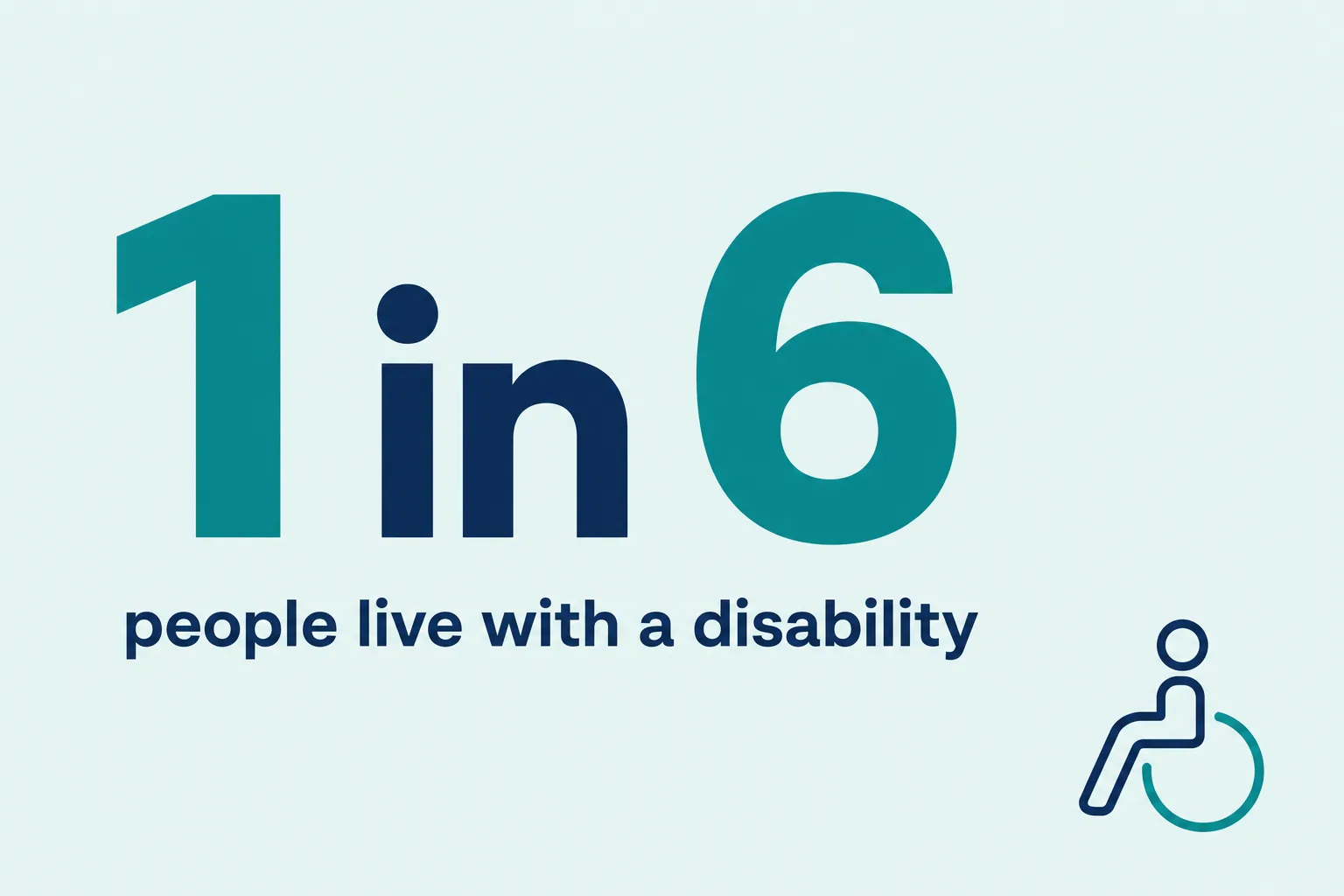
About 1 in 6 people worldwide lives with a significant disability. That is a large share of your potential employees, customers, and visitors. Making a company more accessible is not a compliance chore to dread. It is a sequence of achievable steps that widens who can work for you, buy from you, and walk through your door. Before you start, it helps to know the common accessibility mistakes companies make so you don’t build them in.
What is accessibility (and what it isn’t)
Accessibility means designing spaces, services, and information so people with a range of abilities can use them independently, without having to ask for special help. A curb ramp, a captioned video, or clear signage benefits everyone, not just people with disabilities.
It helps to separate two ideas. Accessibility removes barriers up front, so the environment works for as many people as possible by default. A reasonable accommodation is a specific adjustment made for one person, such as a modified schedule or a screen reader. You need both, but building accessibility into the baseline reduces how often one-off accommodations are required.
The 5 pillars of accessibility
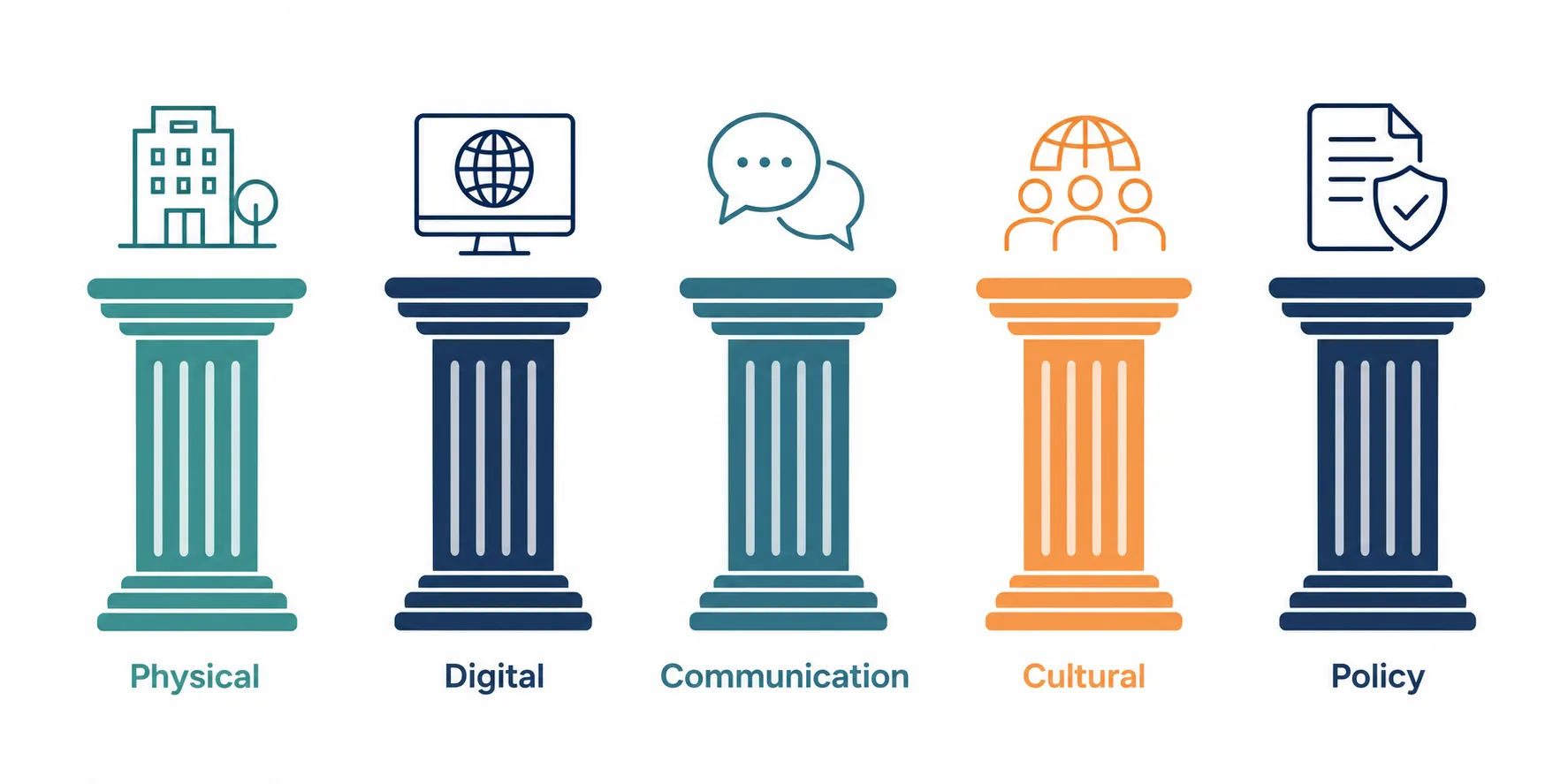
A useful way to organize the work is to think in five pillars. Every step below fits into one of them:
- Physical and built environment: entrances, parking, walkways, restrooms, and lighting.
- Digital and web: your website, apps, booking tools, and online documents.
- Communication: how you write, format, and share information.
- Attitudinal and cultural: staff awareness, training, and everyday behavior.
- Policy and organizational: the rules, budgets, and processes that keep accessibility going.
Treating these pillars as a single checklist, rather than fixing one and forgetting the rest, is what turns scattered improvements into a genuinely inclusive business. The University of Michigan accessibility guidance is a useful reference for applying these principles consistently across a brand and its materials.
Steps to make a company more accessible
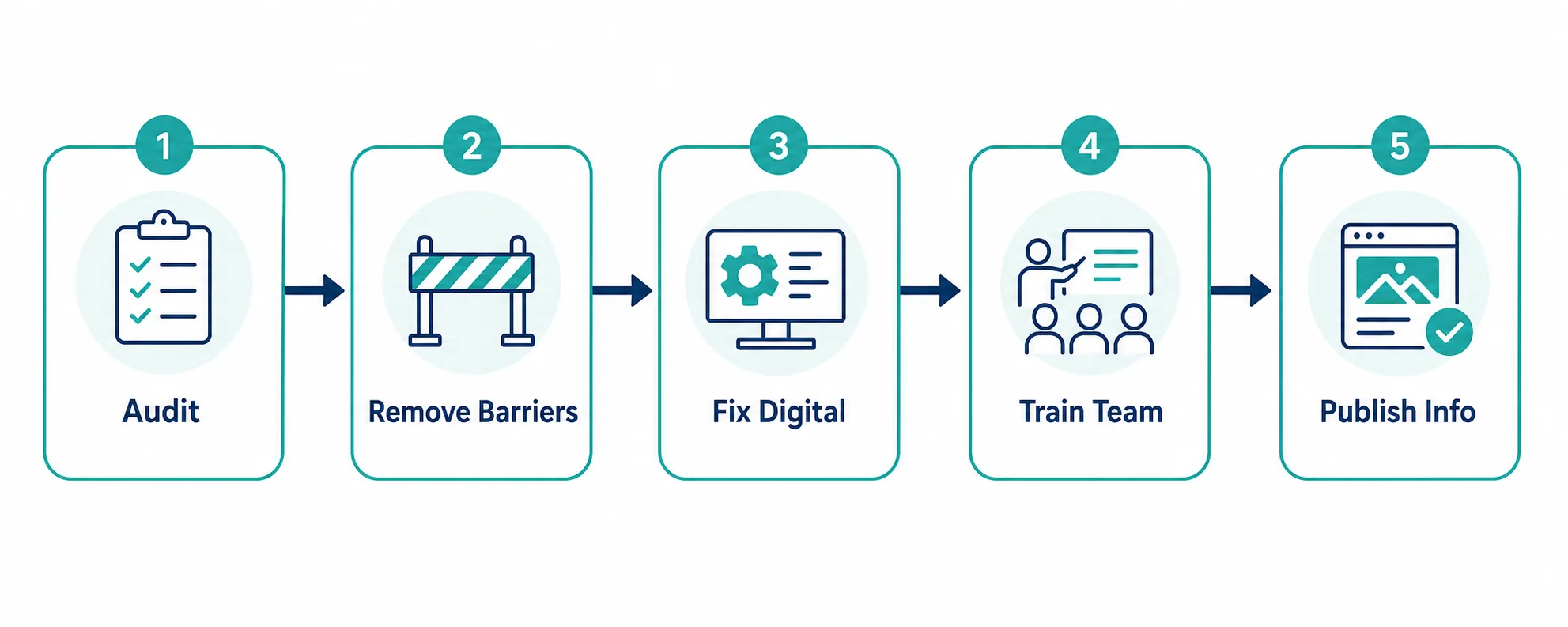
Start with an accessibility audit
Walk the full journey a customer or employee takes, from the parking lot to checkout, or from the job application to the first day. Note every barrier: a heavy door, a form that needs a mouse, a video without captions. You cannot fix what you have not mapped, so this step comes first.
Remove physical barriers
Keep walkways and accessible parking aisles clear of clutter, deliveries, and snow. Make sure the premises are well lit, ramps are usable, and signage is easy to read. Check that restrooms and aisles leave room for a wheelchair or mobility aid to turn. Small maintenance habits, like not blocking a corridor with stock, matter as much as building work.
Make your website and digital tools accessible
Many businesses fix the front door and forget the digital one. Add descriptive alt text to images, ensure strong color contrast, make everything reachable by keyboard, and caption your videos. The University of Michigan guidance on accessible color and contrast shows how to apply these choices consistently. The Web Content Accessibility Guidelines (WCAG) are the reference standard to measure yourself against. For tourism and hospitality operators especially, an accessible booking flow can be the difference between a sale and a lost visitor.
Fix your communications
Write in plain language and offer information in more than one format. Make sure PDFs, emails, and menus can be read by assistive technology. Avoid conveying meaning through color alone, and structure documents with clear headings so screen readers can navigate them.
Offer assistive technology and flexible options
Provide adjustable equipment, screen-reading software, and, where the role allows, flexible hours and remote work. These lower the barrier to entry for employees and reduce the need for individual requests later.
Train your team and build it into meetings
Accessibility is a practice, not a one-time project. Make it a standard part of how meetings run and how new processes are created: share materials in advance, describe visuals aloud, and ask what people need. Staff who understand why it matters keep the effort alive.
Write and publish accessibility information
Publish an access statement so people can plan a visit with confidence. Describe step-free routes, parking, restroom facilities, and how to request support. A clear accessibility guide removes uncertainty, which is often the biggest barrier of all.
A clear accessibility guide removes uncertainty, which is often the biggest barrier of all.
Know the legal baseline (ADA and equivalents)
In the United States, the Americans with Disabilities Act sets the legal floor. Requirements vary by business type and size, and obligations include making reasonable modifications to policies and removing barriers where it is readily achievable. The ADA small-business primer is a practical starting point. Treat compliance as the minimum, not the goal. Going beyond it is where you reach more people.
Accessible and inclusive tourism: the business case
Accessible tourism is a large and underserved market. Travelers with access needs, along with their companions, represent meaningful year-round spending, and they often travel outside peak season, which helps fill a quiet calendar. This group tends to reward businesses that publish clear access information and then deliver on it. For hospitality operators, bridging accessible tourism with everyday workplace accessibility is not two projects. It is one commitment that widens your whole audience.
Common mistakes to avoid
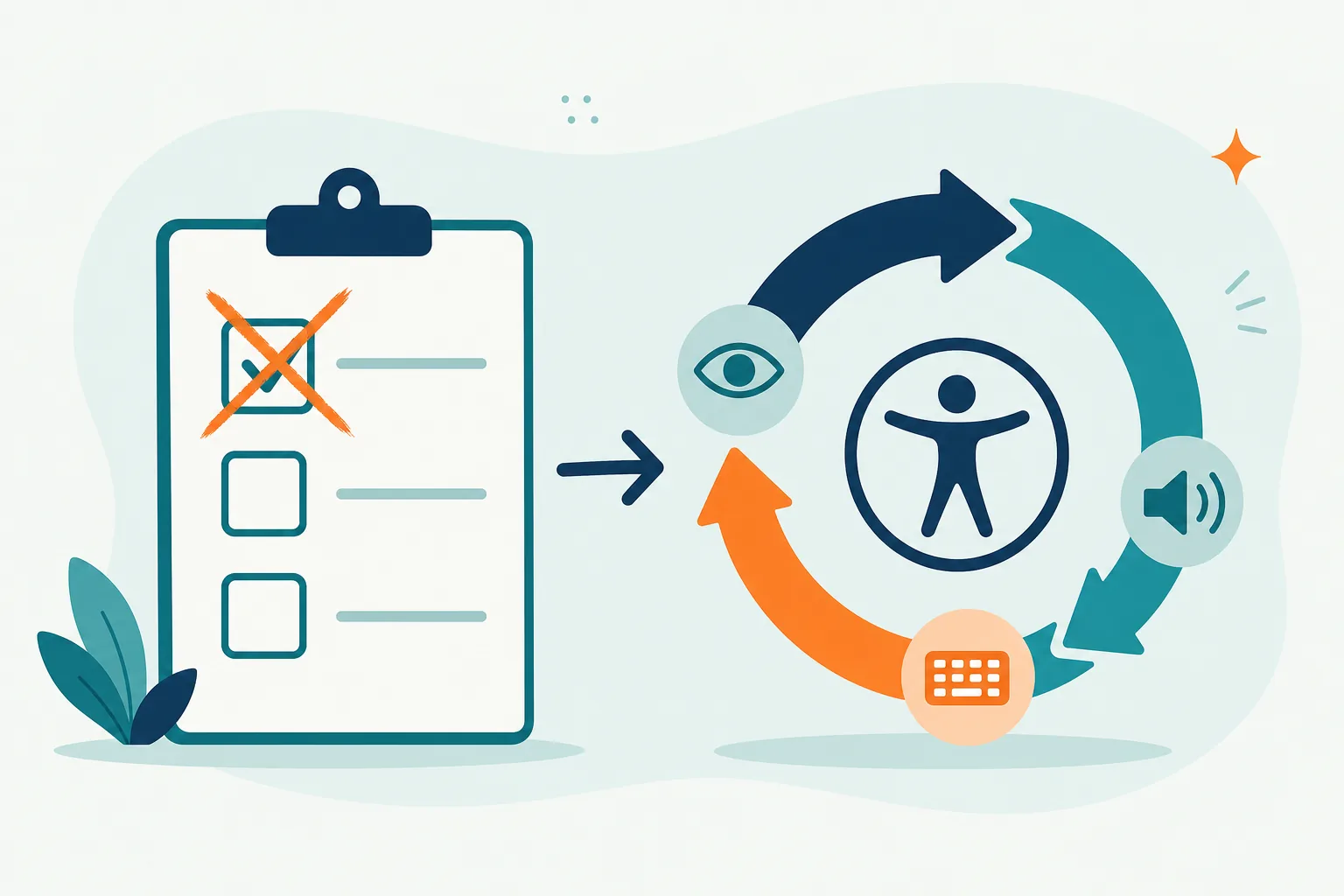
- Treating accessibility as a single project instead of an ongoing practice.
- Overlooking non-visible disabilities such as chronic pain, hearing loss, or neurodivergence.
- Fixing the building but ignoring the website and documents.
- “Accessibility washing,” or publishing good intentions without the staff buy-in to back them up.
Frequently asked questions
What are the 5 pillars of accessibility?
What is accessibility in simple terms?
How much does it cost to make a business more accessible?
Where do I start?
Accessibility is an ongoing practice, not a box to tick. Each barrier you remove invites more people to work with you, buy from you, and belong.